Negative Prompts, Explained (With Examples That Work)
Negative prompts are the biggest quality lever most people never touch. Here's what they are, what to put in them, and the traps to avoid.
July 7, 2026 · 5 min read
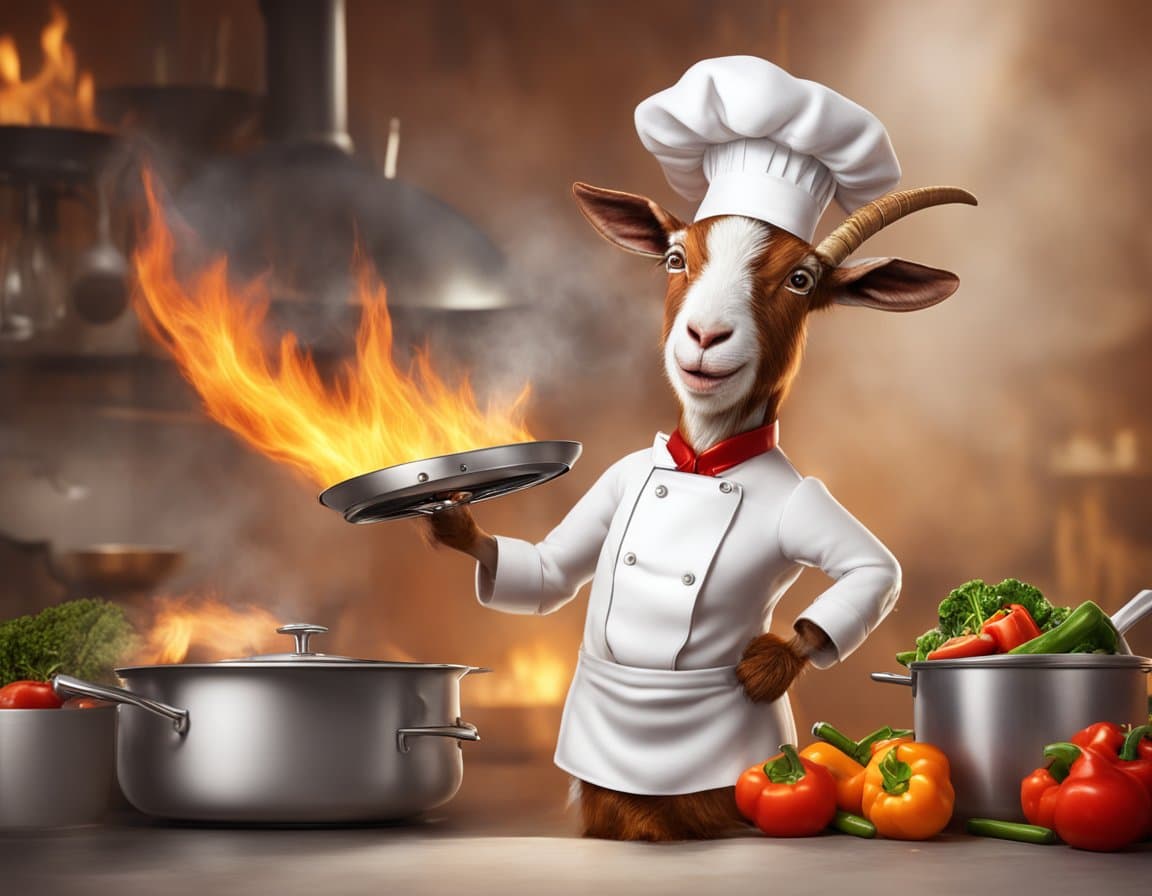
What a negative prompt does
A negative prompt is a second prompt that tells the model what not to include. During sampling, the model pushes the image away from those tokens with the same strength it pushes toward the positive prompt.
Result: fewer extra fingers, no random text, less oversaturation, better anatomy.
The all-purpose starter
Copy this into every generation until you know what you're doing:
blurry, distorted, low quality, bad anatomy, deformed, extra limbs, watermark, signature, text, jpeg artifacts, oversaturated, low resolution
That single line will lift the quality floor of nearly every image you generate.
Negative prompts by use case
Portraits: asymmetric eyes, crossed eyes, missing teeth, extra fingers, mangled hands, plastic skin
Product photography: text, logo, brand name, packaging copy, watermark, glare, reflection artifacts
Landscapes: people, cars, buildings, signage, low contrast, muddy shadows
Illustration: 3d render, photo, photorealistic, jpeg artifacts, muddy colors
Traps
- Too many words — after ~40 tokens the model starts ignoring them. Focus on 5–15 that matter.
- Contradicting your positive prompt — if your positive says "detailed skin," don't put "smooth skin" in the negative.
- Style words — negative prompts are for defects, not styles. Steer style in the positive.
Imagoat automates this
Imagoat's Prompt Builder generates a sensible negative prompt for you automatically based on the subject and style you chose. You can still edit it before you generate.
Related reading
Prompt Engineering
How to Write Great AI Image Prompts (2026 Guide)
A practical playbook for writing AI image prompts that actually work — subject, style, lighting, and the small details that separate mid from magic.
Prompt Engineering
50 Prompt Templates You Can Steal Right Now
Copy-paste prompt templates for portraits, products, landscapes, characters, ads, and thumbnails. Just swap the [BRACKETED] parts.
Prompt Engineering
Why Your AI Images Look Cheap (And 7 Fixes)
The unmistakable 'AI look' — over-saturated colors, plastic skin, symmetrical composition. Here's what causes it and how to fix each.